







Remove Working Directory Using R (Example)
In this R programming tutorial you’ll learn how to delete folders.
Table of contents:
Let’s do this!
Exemplifying Working Directory
Consider the following working directory:
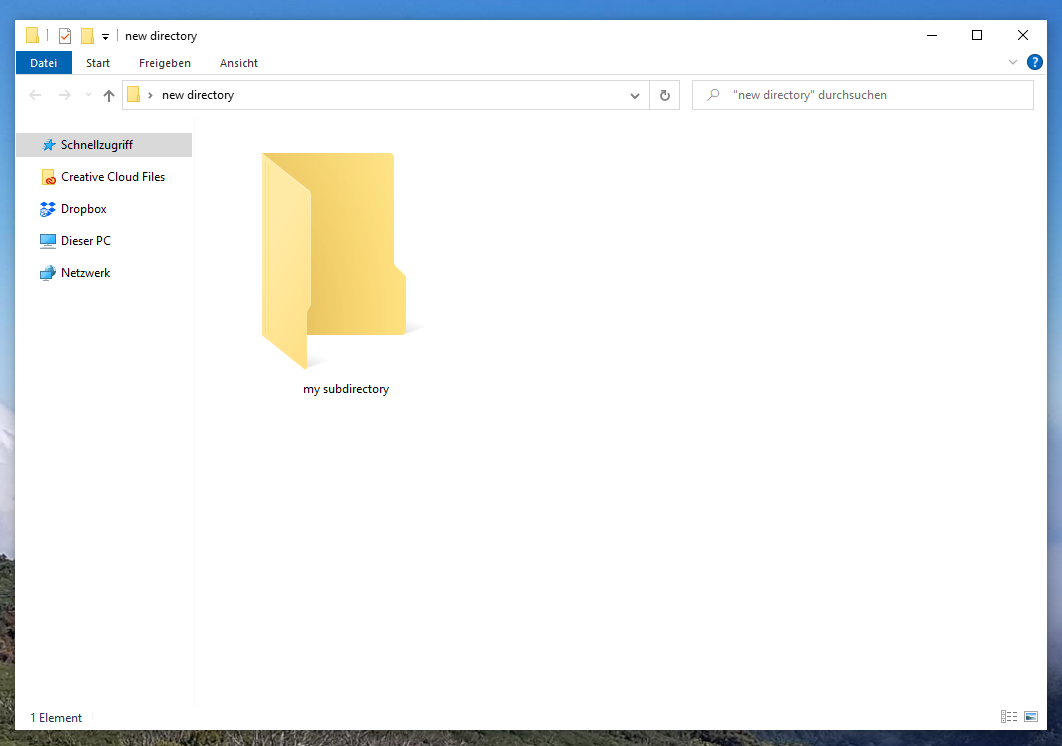
Our exemplifying working directory contains one folder called my subdirectory.
Example: Delete Working Directory from Computer Using unlink() Function
The following R code illustrates how to remove a working directory from a computer using the unlink function in the R programming language.
Have a look at the following R code:
unlink("C:/Users/Joach/Desktop/new directory/my subdirectory", recursive = TRUE) # Apply unlink()
After running the previous R syntax, our working directory should look like this:
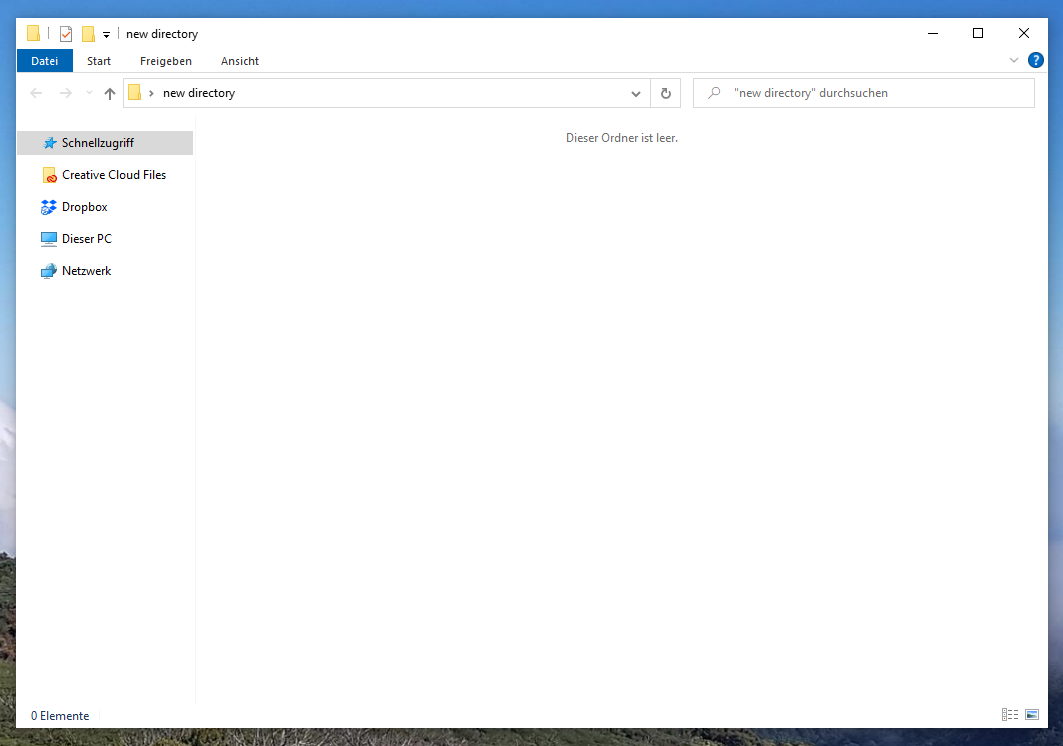
As you can see in the previous screenshot, we have removed our subdirectory and our main directory is completely empty.
Video & Further Resources
Have a look at the following video of the Statistics Globe YouTube channel. In the video, I illustrate the R programming codes of this post.
In addition, you could read the related posts of my website:
You have learned in this article how to remove working directories on a computer in the R programming language. Tell me about it in the comments, in case you have further comments or questions.

I’m Joachim Schork. On this website, I provide statistics tutorials as well as code in Python and R programming.
Statistics Globe Newsletter
Get regular updates on the latest tutorials, offers & news at Statistics Globe. I hate spam & you may opt out anytime: Privacy Policy.