Index Element of List in R (3 Examples)
This tutorial shows how to return certain list elements using indices in the R programming language.
Table of contents:
Let’s dive into it!
Creation of Example Data
The following data will be used as basement for this R tutorial:
my_list <- list(1:5,        # Create example list
                data.frame(x1 = 9:5,
                           x2 = letters[1:5]),
                list(1:3,
                     letters[8:6]))
my_list                     # Print example list
# [[1]]
# [1] 1 2 3 4 5
#
# [[2]]
#   x1 x2
# 1  9  a
# 2  8  b
# 3  7  c
# 4  6  d
# 5  5  e
#
# [[3]]
# [[3]][[1]]
# [1] 1 2 3
#
# [[3]][[2]]
# [1] "h" "g" "f"
#
#
As you can see based on the previous output of the RStudio console, our example data is a list with three list items.
The first element of our list is a numeric vector, the second element is a data frame, and the third element is a nested list.
Example 1: Select Entire List Element
In Example 1, I’ll illustrate how to get an entire list element using double square brackets (i.e. “[[]]”).
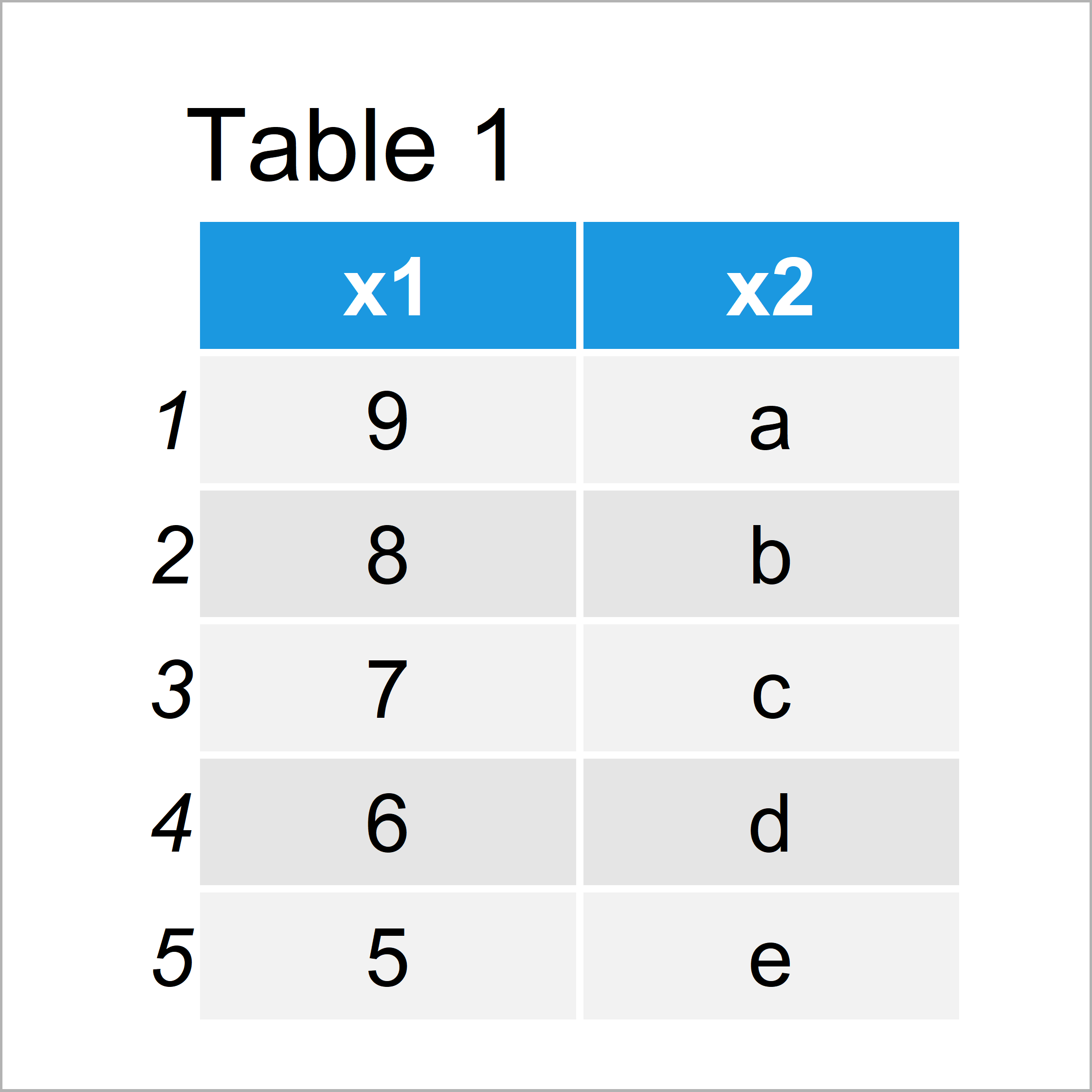
The following R code returns the second element of our list, i.e. the data frame shown in Table 1:
my_list[[2]] # Subset entire list element
Example 2: Select Sub-Element of List
In Example 2, I’ll illustrate how to return an element contained in a sub-element of our list.
The following R code extracts the value in the third row and second column of the data frame stored as second list element:
my_list[[2]][3, 2]          # Subset sub-element of list element
# [1] "c"
Example 3: Select Nested List
This example shows how to extract values from a nested list in R.
Have a look at the following R code:
my_list[[3]][[2]]           # Subset sub_list in list
# [1] "h" "g" "f"
The first double brackets extract the third list element and the second double brackets extract the second list element of the nested list.
Video, Further Resources & Summary
Have a look at the following video which I have published on my YouTube channel. In the video, I illustrate the R code of this tutorial:
Furthermore, you may want to read some of the other tutorials of my website.
- Get Second Sub Entry of Every List Element
- Append to List in Loop
- Test If List Element Exists
- Remove Element from List in R
- The R Programming Language
To summarize: At this point you should know how to extract a list element based on an index in the R programming language. In case you have additional comments or questions, don’t hesitate to let me know in the comments section.

I’m Joachim Schork. On this website, I provide statistics tutorials as well as code in Python and R programming.
Statistics Globe Newsletter
Get regular updates on the latest tutorials, offers & news at Statistics Globe. I hate spam & you may opt out anytime: Privacy Policy.