







url.show Function in R (Example) | Display Text Files from Remote Server
In this R programming tutorial you’ll learn how to display a text URL using the url.show function.
The tutorial contains the following information:
Let’s get started!
Example: Display Text URL Using url.show() Function
The following R programming code shows how to apply the url.show function to return a URL as text in a new R window.
In this example, we’ll use the Wikipedia website.
Have a look at the following R code:
url.show("https://www.wikipedia.org/") # Apply url.show function
After executing the show.url function as shown in the previous R syntax, the new RStudio window that is shown below is opened:
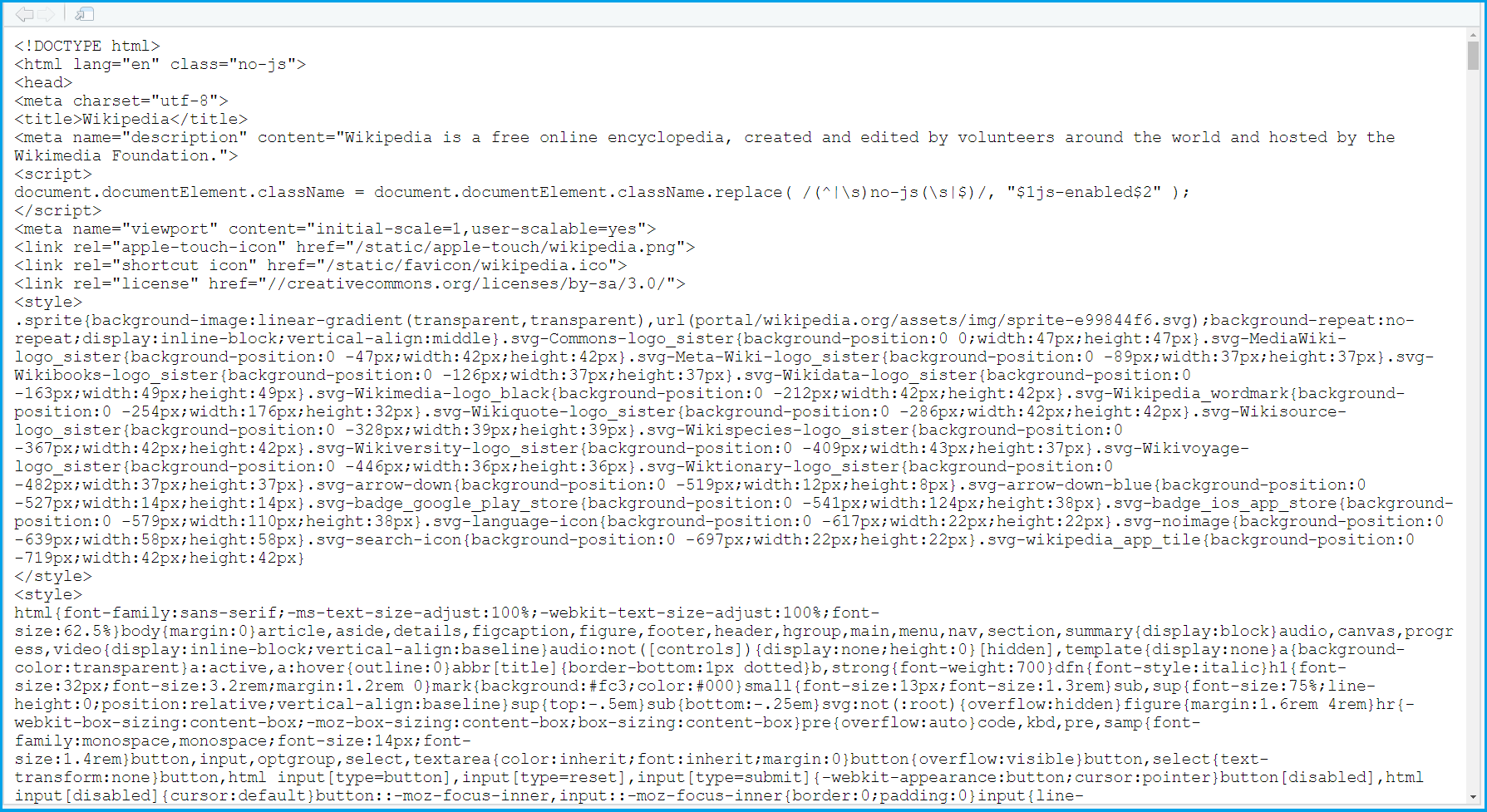
As you can see, this new window shows the content of the Wikipedia main page as text with HTML code.
Video & Further Resources
Have a look at the following video on my YouTube channel. I’m explaining the R syntax of this tutorial in the video.
The YouTube video will be added soon.
Furthermore, you could have a look at some of the related tutorials on this website. I have released numerous posts that are related to the application of the url.show function already.
- Access & Collect Data with APIs in R
- Use R to Download File from Internet
- Important Commands in R (Example Codes)
- All R Programming Examples
To summarize: On this page, I have explained how to apply the url.show function to show text files from a remote server in R programming. Please let me know in the comments section, if you have any additional questions.

I’m Joachim Schork. On this website, I provide statistics tutorials as well as code in Python and R programming.
Statistics Globe Newsletter
Get regular updates on the latest tutorials, offers & news at Statistics Globe. I hate spam & you may opt out anytime: Privacy Policy.